Online Nepali Keyboard: How to Use a Virtual Keyboard for Nepali Typing
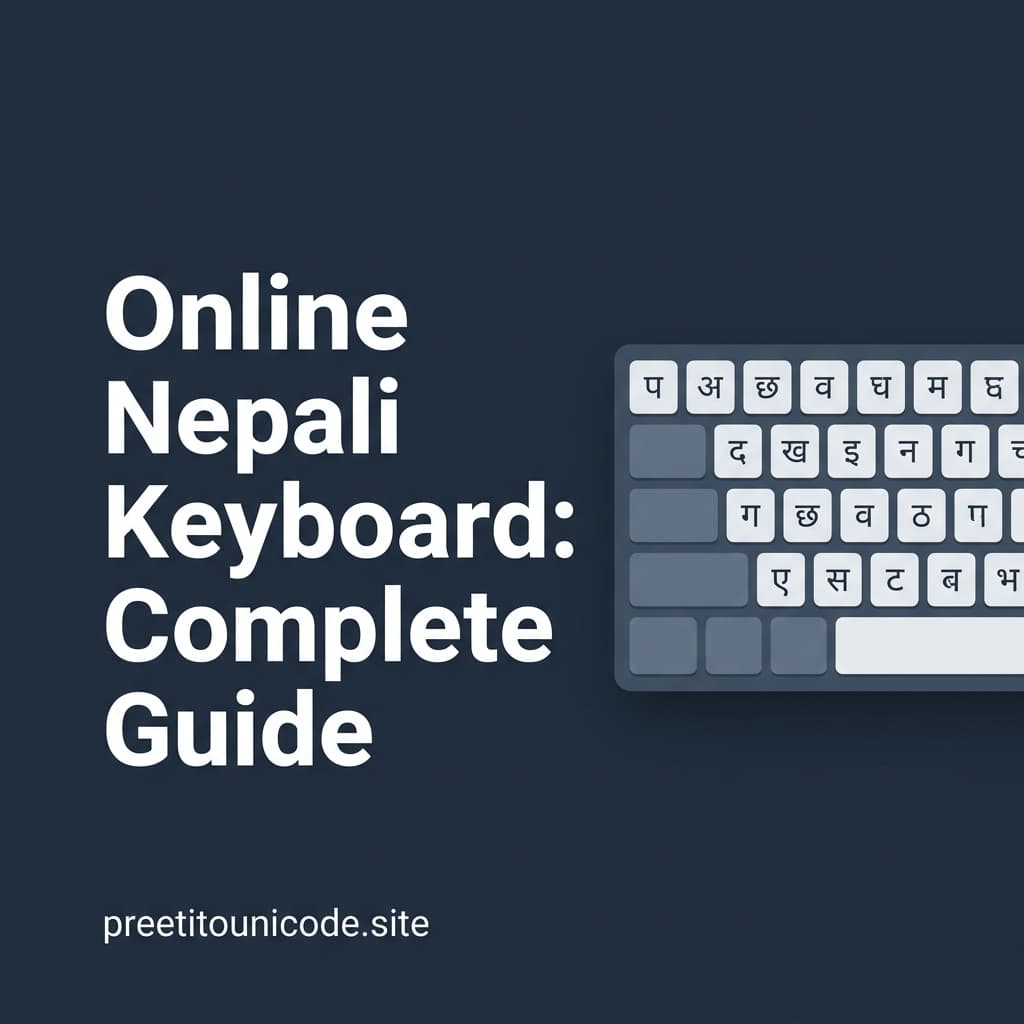
An online Nepali keyboard lets you type Devanagari characters by clicking on-screen letter buttons without installing any software, font, or app on your device. This is especially useful on shared computers, public kiosks, or work PCs where you cannot install new software.
How Online Keyboards Work
Virtual keyboards display all Nepali characters in a clickable grid. When you click a character, it is inserted into a text box. You can then copy that text and paste it wherever you need it — in Gmail, Facebook, a Word document, or any online form.
Combining With Our Converter
If you already know the Preeti layout but are on a device without the Preeti font, you can still type using your physical QWERTY keyboard in the Preeti input box on our converter. The tool will instantly render the correct Devanagari Unicode output as you type, which you can then copy and use anywhere.
For converting the output back to Preeti if a legacy printer needs it, use our Unicode to Preeti tool.